One Agent for Any Robot.
Tell 
 about your robot and the job to do. It adapts to your robot, carries out tasks autonomously,
and learns from every run, both in simulation or on real hardware, including ROS 2 devices.
about your robot and the job to do. It adapts to your robot, carries out tasks autonomously,
and learns from every run, both in simulation or on real hardware, including ROS 2 devices.
Install on macOS and Ubuntu.
$
curl -fsSL https://raw.githubusercontent.com/stacx-lab/kinex/main/install.sh | bash Prefer to use Pi, Codex, or Claude Code? Explore kinex-plugins →
Kinex is built on Pi.
Kinex
RoboEnv ~/lab
roboenv launch abc/hang-mug-on-mug-rack --detach
Ready: abc/hang-mug-on-mug-rack
Endpoint: http://127.0.0.1:8123
mkdir -p workspace
(cd workspace && roboenv setup abc/abc-yam)
Robot: abc/abc-yam
Destination: workspace/.kinex
cd workspace
kinex
Kinex· robotics coding agent
device read camera_top✓
RGB-D · 640 × 480
read camera_top✓
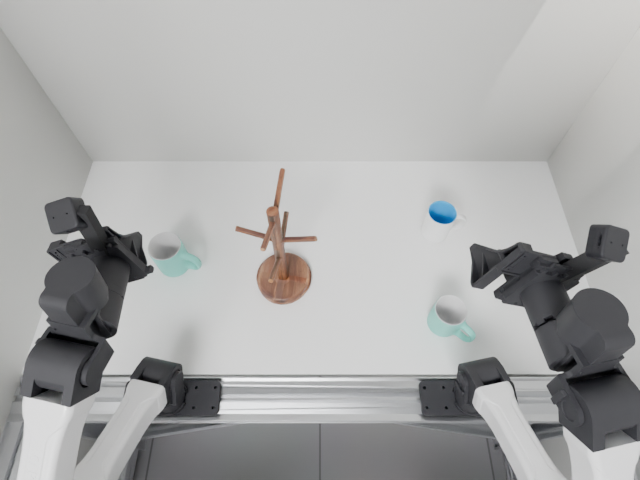
device read right_arm✓
joints: [0.202, 0.390, 1.118, -0.873, 0.133, 0.426]
faults: []
write mug_position.py✓
# Backproject the selected mug pixel from RGB-D.
u, v = 449, 296
z = depth[v * width + u] * scale
xyz = [r * z for r in ray(intr, u, v)]
distance = math.sqrt(sum(v * v for v in xyz))
bash python mug_position.py✓
camera xyz ≈ [0.278, 0.121, 0.929] m
distance ≈ 0.977 m
relative_pose world → right_arm✓
world → right_arm · approach flange
[0.1775, 0.0280, 0.2747, 0.7071, 0.7071, 0, 0]
servo right_arm · approach + descend✓
TCP [0.430, -0.282, 0.805] m · error 0.44 mm
device write right_gripper✓
close · aperture 0.0688 m
servo right_arm · lift + carry✓
TCP [0.567, -0.130, 0.984] m · grip maintained
read camera_top + camera_right✓
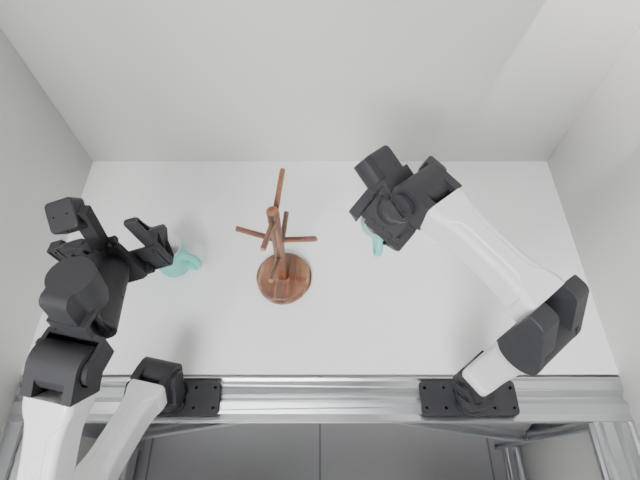

relative_pose camera_left → world✓
handle hole [0.5029, -0.0188, 0.9543] m
plane RMS 0.50 mm
servo right_arm · align + insert✓
speedFraction 0.25 · check contact from both views
read camera_left + camera_top✓
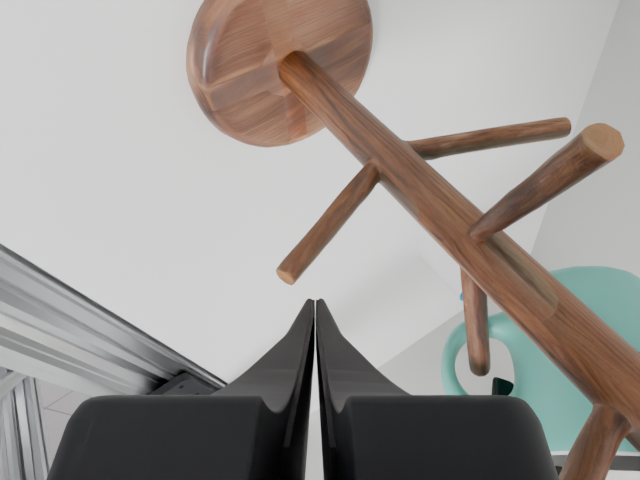
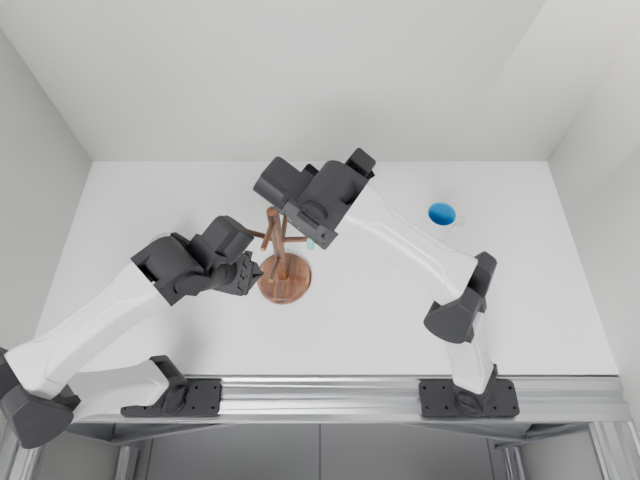
device write right_gripper✓
open · release the mug
servo right_arm · withdraw✓
TCP [0.500, -0.150, 1.030] m · gripper clear
devices read camera_left + camera_top✓
Settled · new wrist + overhead observations
read camera_left + camera_top✓
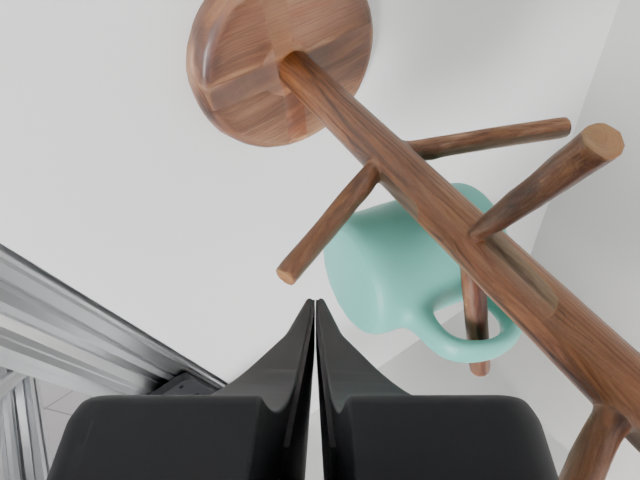
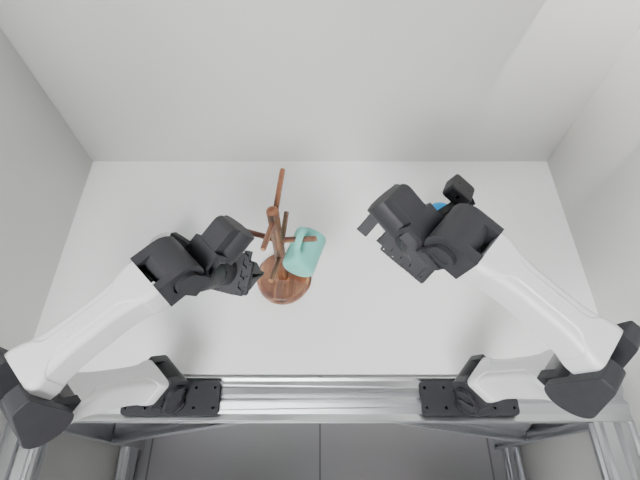
Session completeSession demo
01 · Gallery
See the agent at work in the real world.
Watch Agent + Kinex in the real world. Every demo is zero-shot—text instructions only, with no human demonstrations—showing the capabilities agents bring to robotics.
02 · Architecture
Three layers of abstraction for acting with arbitrary robots.
An agent needs a way to turn a goal into physical action. Kinex separates that work into three layers: skills describe how to approach a task, tools carry out perception, computation, and control, and devices expose the robot’s capabilities through typed interfaces. Results flow back to the agent so it can decide what to do next.
A system of devices rather than a monolithic robot
Kinex exposes a robot as independent devices: a mobile base, torso, arms, grippers, and cameras. The agent writes and runs tools and code to coordinate these devices for each task. This makes workflows more flexible, lets each task compose the robot it needs, and helps them generalize across robot configurations. If a camera is missing, for example, the agent can inspect the remaining devices, use another viewpoint where available, and revise its workflow to fit the capabilities it actually has.
One coordinated grasp
ControlObservations & feedback
Camera observations → target position → arm motion → grasp → feedback
03 · Benchmark results
Zero-Shot Robotic Manipulation Evaluation
We evaluate 132 tasks from LIBERO, RoboTwin, and RoboDojo under a zero-shot protocol with native success criteria. Control-step budgets are unchanged except for RoboDojo, increased to 1,875 steps per episode. Following BenchMend, we rewrite task instructions to make hidden criteria explicit, such as parking the arm at its home position.
For GPT-6-Astra (high effort), we compare Codex with the benchmark-native action API, with the device abstraction, and Kinex. Kinex raises success from 72.7% to 78.0% at 42.9% lower cost than Codex + Bare action API. See the Hugging Face release for evaluation details, demos, and agent traces.
All benchmarks · 132 tasks per setup
LIBERO · 40 tasks per setup
RoboTwin · 50 tasks per setup
RoboDojo · 42 tasks per setup
GPT-6-Astra
Codex · high effortTask success rate
Higher is betterAverage cost per task
USD · lower is betterAverage weights all 132 tasks equally. Success rate is successful tasks / evaluated tasks; cost is the mean API-equivalent estimate in USD per task, including successful and failed episodes.
04 · Where to start
Already using ROS 2?
Skill: onboard-ros2 Reuse existing ROS packages with adapters for common interfaces. Supports ROS 2 Jazzy on Ubuntu 24.04. → Play with simulators $ roboenv setup RoboEnv exposes simulated robots as Kinex devices, with the same interfaces as real hardware. → Work with real robots $ /onboarding Describe the hardware and the task. Kinex connects the devices and calibrates what the task needs. → 05 · Current contributors
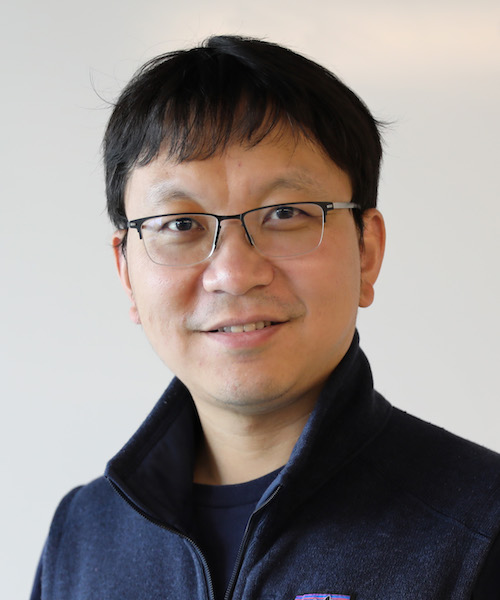
Georgia Tech

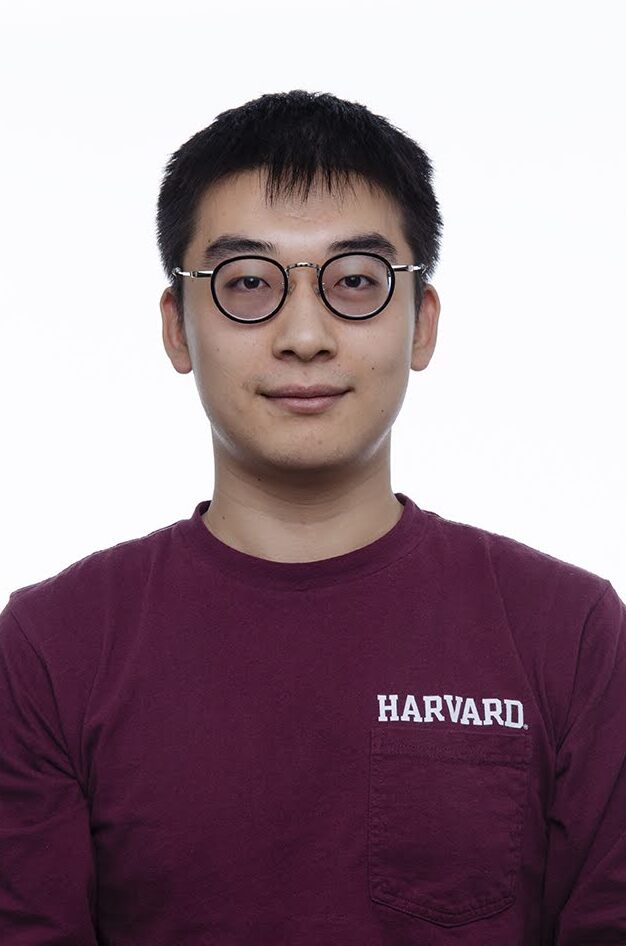
Harvard
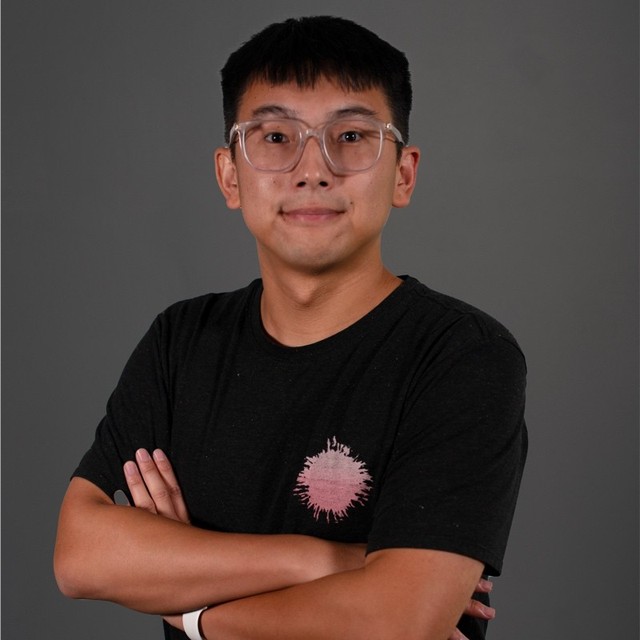


Contributions welcome. New skills, device drivers, robot support and fixes all help Kinex work on more robots.